メイン画面
Description
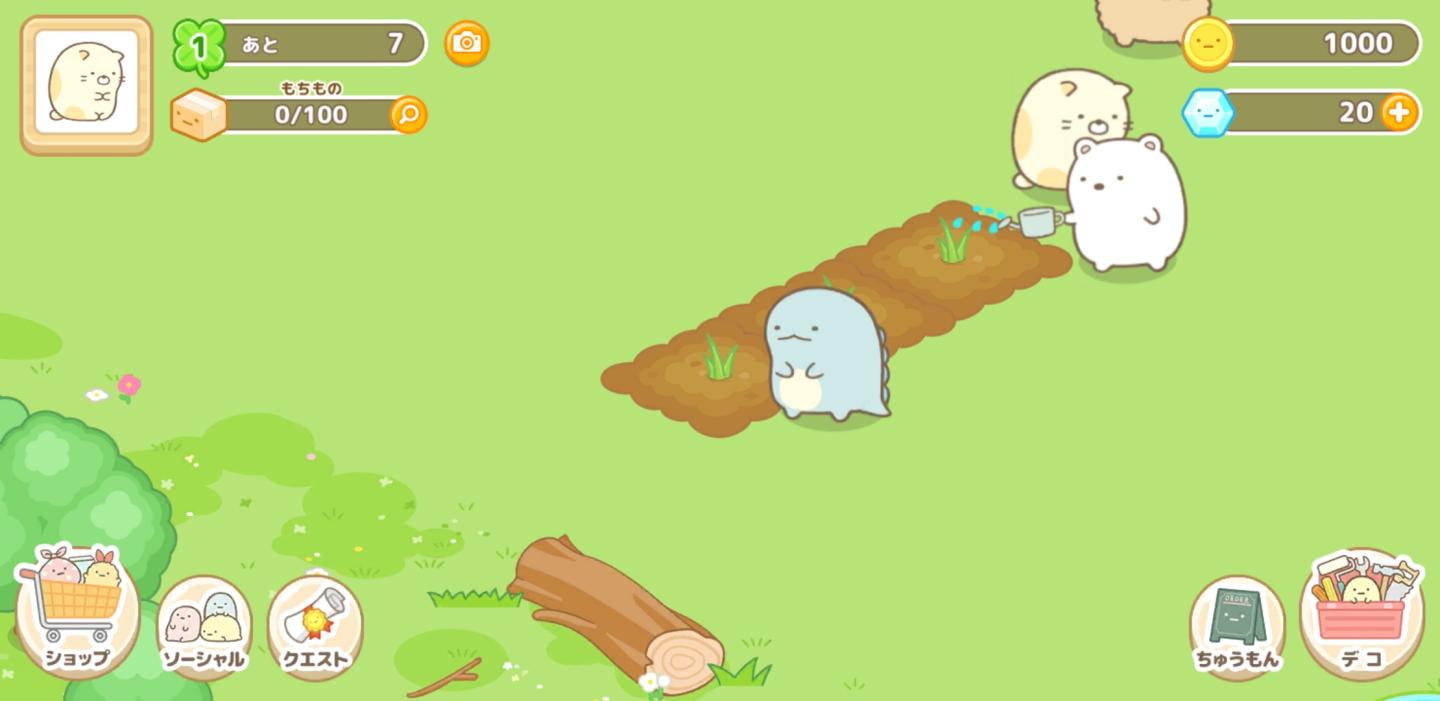
この画像のUIラベルと機能について説明します。
-
上部バー:
- レベル表示: 「1」という数字が表示されており、プレイヤーのレベルを示します。
- アイテム数: 「あとの7」と表示され、特定のアイテム数を示しているようです。
- 保有アイテム: 「もちもの」が「0/100」と表示され、現在のアイテムの数と最大数を示しています。
-
アクションボタン:
- カメラアイコン: 画面右上にあり、撮影機能やスクリーンショットを取ることができると考えられます。
-
画面下部メニュー:
- ショップ: 買い物を行うためのボタン。
- ソーシャル: ソーシャル機能へのアクセスボタン。
- クエスト: 任務やミッションにアクセスするためのボタン。
-
その他の機能:
- ちゅうもん: プレイヤーが何かを依頼する際のボタンのようです。
- デコ: デコレーションやカスタマイズに関する機能を示すボタン。
全体的に、画面はシンプルでカラフルなデザインで、可愛らしいキャラクターたちが目を引きます。各ボタンは丸みを帯びた形状をしており、操作しやすい印象を与えています。
Software
Sumikko Farm
Language
Japanese
Created by
 matej94v
Sponsored
Similar images
メイン画面
のこのこキノコ
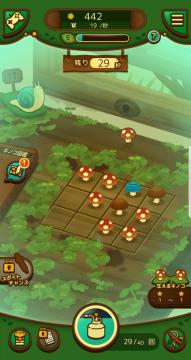
この画像は、ゲームのユーザーインターフェース(UI)を示しています。以下に、主なラベルと機能を説明します。 1. 上部バー: 太陽のアイコンと数字(442):...
music locket
Maid of Sker
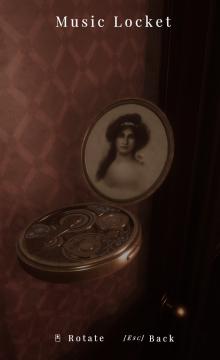
In the interface of the "Music Locket," several functional UI labels and features stand out: 1. Title "Music Locket": This label indicates what the objec...
現場へ移動、読込 moving to location
Phasmophobia
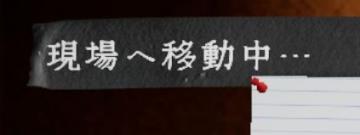
画面には「現場へ移動中…」というラベルがあります。このラベルは現在、特定の場所へ移動していることを示しています。文字は白色で、少し凝ったフォントが使われており、...
main menu
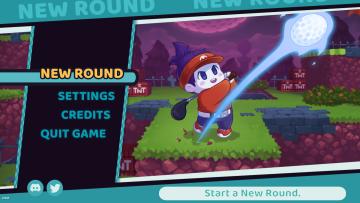
Cursed to Golf
map controls zoom out zoom in list
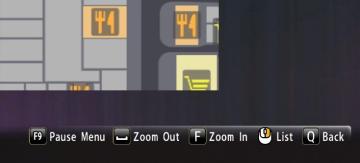
Yakuza 0
The image displays a user interface (UI) that features several functional labels and controls, primarily positioned along the bottom of the screen. 1. Pause...
Back
20 Minutes Till Dawn
The UI element in the picture is a button labeled "Back." Function: Primary Use: This button typically serves to navigate the user to the previous s...
choose a cornerstone
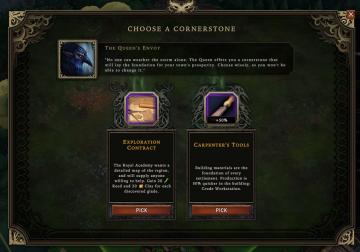
Against the Storm
The user interface (UI) presents a selection screen titled "CHOOSE A CORNERSTONE." At the top, there is a prominent character portrait labeled "The Queen's Envo...
press left control to stand up from chair
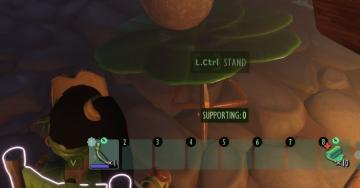
Grounded
The user interface (UI) features several key components that enhance functionality: 1. Action Prompt: At the top center, "L.Ctrl STAND" indicates an action...