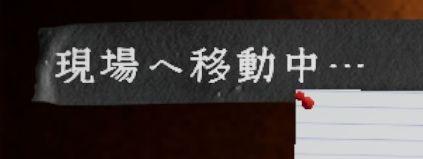
現場へ移動、読込 moving to location
Description
画面には「現場へ移動中…」というラベルがあります。このラベルは現在、特定の場所へ移動していることを示しています。文字は白色で、少し凝ったフォントが使われており、背景はダークトーンであり、全体的に落ち着いた印象を与えます。
機能的には、ユーザーに対して移動中の状態を視覚的に通知する役割を担っており、ユーザーがどの段階にいるかを理解しやすくしています。形式的には、シンプルでありながらも視認性が高いデザインが特徴です。背景とのコントラストが良いため、ラベルは一目で目を引くように工夫されています。
Software
Phasmophobia
Language
Japanese
Created by
 M S
M S
Tags
Sponsored
Similar images
weapons items selection
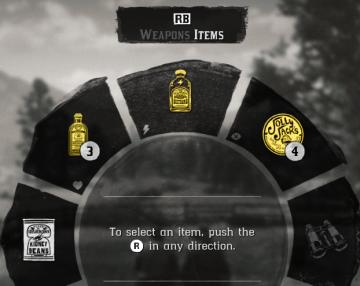
Red Dead Redemption 2
The image displays a user interface (UI) element commonly used in video games for item selection. UI Labels and Features: 1. Label at the Top: ...
nudge camera
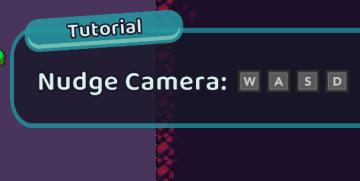
Cursed to Golf
The UI features a tutorial overlay, designed to instruct the player on how to use camera controls. 1. Label: The word "Tutorial" is prominently displayed...
overworld controls settings
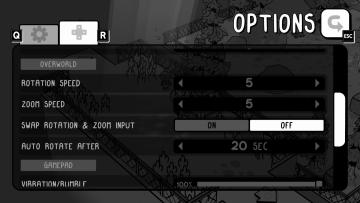
TOEM
The user interface (UI) in the image features an options menu with several labeled settings for gameplay customization. 1. Title Label: At the top, "OPTIO...
substory end

Yakuza 0
The user interface (UI) in the picture features several key elements: 1. Labeling: The top section is labeled "Substories," indicating that this area perta...
current statistics, rank in random map leaderboard, hover over icon
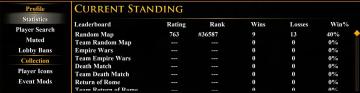
Age of Empires 2 Definitive Edition
The user interface features multiple sections, primarily organized for easy navigation. At the top, the label "CURRENT STANDING" is prominently displayed in yel...
settings screen 1
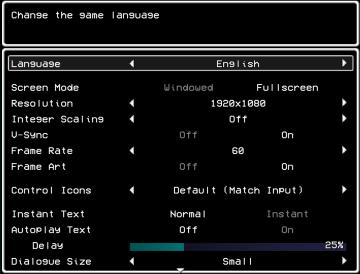
LISA: The Painful - Definitive Edition
The UI in the picture presents a settings menu for a game, focused on various options to customize the gameplay experience. 1. Title Area: The top portion...
settings - confirm changes or reset all to default

Lethal Company
The user interface features three main labels: "Confirm changes," "Back," and "Reset all to default." 1. Confirm changes: This label typically functions a...
you can't use that here
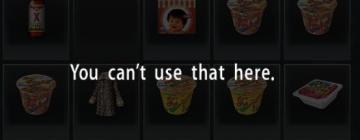
Yakuza 0
The user interface (UI) in the picture displays a selection of items, likely from an inventory or item menu. The arrangement features several distinct icons or...