メイン画面
Description
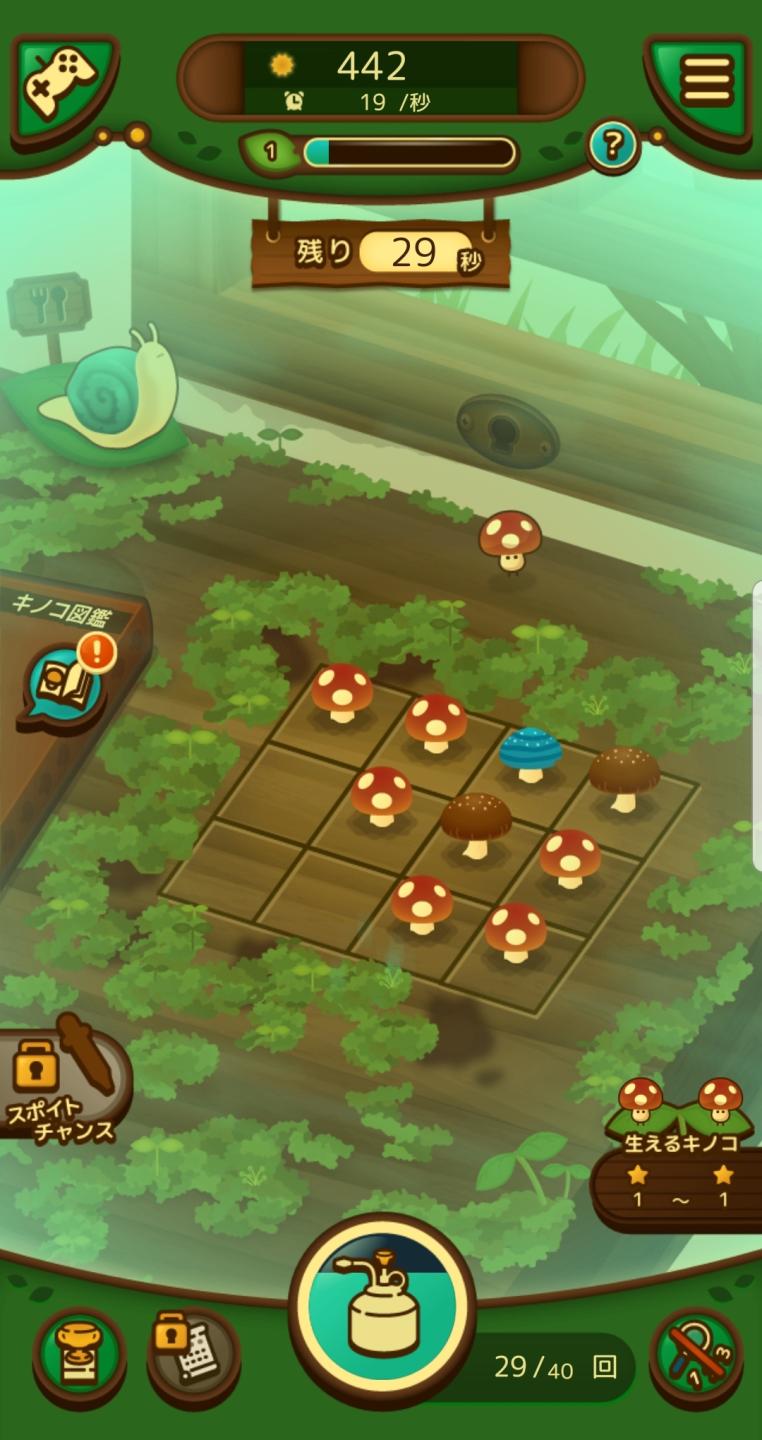
この画像は、ゲームのユーザーインターフェース(UI)を示しています。以下に、主なラベルと機能を説明します。
-
上部バー:
- 太陽のアイコンと数字(442): ゲーム内のスコアやポイントを示していると思われます。
- スピード(19/秒): ゲームの進行速度を表示しています。数値が大きいほど速く進むことを表します。
- レベル(1): 現在のプレイヤーのレベルを示しています。
- 進捗バー: 現在のレベルの進捗状況を表示しており、充填されることでプレイヤーがレベルアップすることを示します。
- 残り時間(29秒): ゲームの制限時間を表しています。
-
左側のメニュー:
- キノコ図鑑(!アイコン付き): キノコの種類や情報を確認できる図鑑へのリンクです。
- スコアチャンス: 特別なポイント獲得機能へのアクセスを提供している可能性があります。
-
ゲームエリア:
- グリッド: 8つのマスが配置されており、各マスには異なる種類のキノコがあります。青いキノコが選択されていることが示されています。
-
下部メニュー:
- アイコン群: さまざまな機能にアクセスするためのアイコンがあります。
- アイテムの選択やアクション(例: 燃料バーナーのアイコン)。
- 収集したアイテムや達成したタスクを確認するための領域。
- アイコン群: さまざまな機能にアクセスするためのアイコンがあります。
全体的に、輪郭は柔らかく色鮮やかで、カジュアルなデザインが特徴的です。ゲームプレイとインターフェースが直感的に理解できるように設計されています。
Software
のこのこキノコ
Language
Japanese
Created by
 matej94v
Sponsored
Similar images
メイン画面
Sumikko Farm
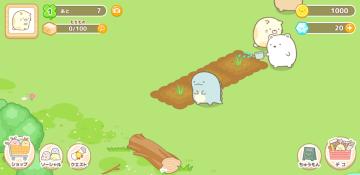
この画像のUIラベルと機能について説明します。 1. 上部バー: レベル表示: 「1」という数字が表示されており、プレイヤーのレベルを示します。 アイ...
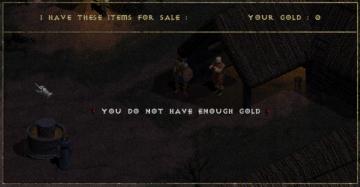
you do not have enough gold
Diablo I
The UI in the image represents a shopping interface from a game, likely an RPG. Features and Functionality: 1. Header: At the top, the label "I HAVE T...
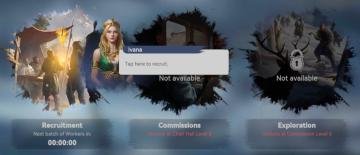
next batch of workers in 0 minutes
Viking Rise
The user interface (UI) displayed in the picture features three main sections each with distinct functionalities and visual elements: 1. Recruitment: ...
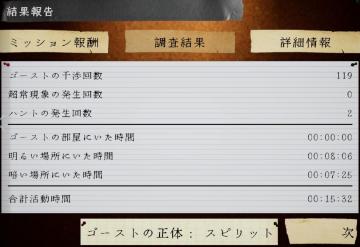
ゆうれい幽霊ミッション結果
Phasmophobia
この画像は、ゲームの報告画面を示しており、ユーザーインターフェイス(UI)のラベルと機能が含まれています。 1. タイトル: 「結果報告」と大きく表示されており、...
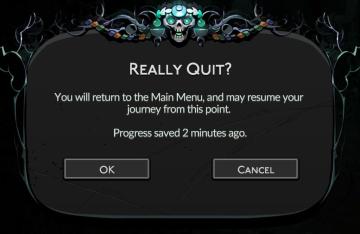
really quit? progress last saved 2 minutes ago dialog
Hades II Early Access
The UI features a dark, decorative background that sets a thematic tone, likely reflective of a fantasy or adventure genre. The central message, "Really Quit?",...
loading data configuration
Viking Rise
The UI label "Loading data configuration" indicates that the system is in the process of retrieving or setting up data, likely in preparation for the user to in...
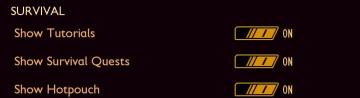
survival settings: show tutorial, show quests, show hotpouch
Grounded
The user interface presents a section titled "SURVIVAL," indicating a categorization of features related to gameplay assistance. 1. Show Tutorials: This l...
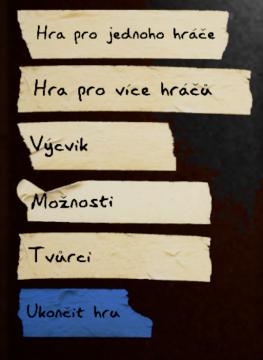
hlavní menu, výcvik, možnosti, tvůrci, ukončit hru
Phasmophobia
Na obrázku jsou zobrazeny uživatelské rozhraní (UI) prvky, které se zdají být součástí menu pro hru. Zde je popis jednotlivých položek: 1. Hra pro jednoho hr...