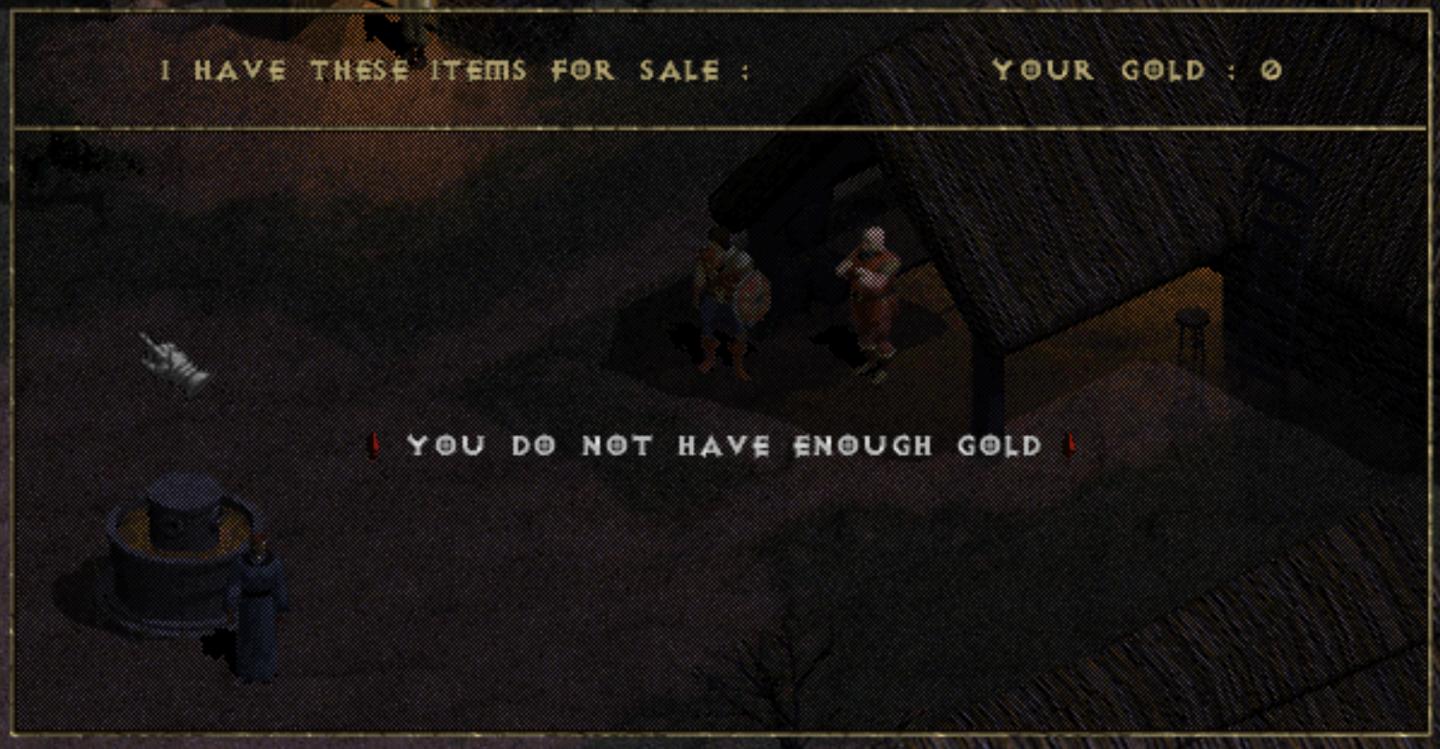
you do not have enough gold
Description
The UI in the image represents a shopping interface from a game, likely an RPG.
Features and Functionality:
-
Header: At the top, the label "I HAVE THESE ITEMS FOR SALE:" indicates that the NPC is a merchant offering items. This sets the context for the player.
-
Gold Display: The line "YOUR GOLD: 0" shows the player’s current amount of gold. It is crucial for players to understand their purchasing power, which is essential for gameplay decisions.
-
Warning Message: The prominent message "YOU DO NOT HAVE ENOUGH GOLD" is displayed in a noticeable red font. This serves as an alert that the player cannot afford the items for sale. The use of red color typically indicates urgency or a problem, drawing attention.
-
Pointer Hand Icon: The hand icon signals interactivity, likely indicating where the player should click or focus for further actions, such as selecting items or confirming purchases.
Form:
The UI features a simple, dark aesthetic that fits the thematic elements of a fantasy game, with a rustic background. The text is clear and legible, using a straightforward sans-serif or serif font, ensuring users can quickly assimilate the information. The layout maintains a logical flow, directing players from available items to their current monetary status and any purchase limitations.
In summary, this interface is functional and user-friendly, designed to communicate critical gameplay mechanics effectively while fitting the game's visual style.
Software
Diablo I
Language
English
Created by
 admin
admin
Tags
Sponsored
Similar images
are you sure you want to exit the game?
Viking Rise
The user interface in the image presents a confirmation dialog box with a simple, functional layout. Labels and Features: 1. Title: "NOTE" Func...
are you recording? disable the stock background music
I Commisioned Some Bees 0
The user interface features a playful, cartoonish aesthetic, highlighted by the presence of a bee and a camera icon, suggesting a friendly and engaging tone....
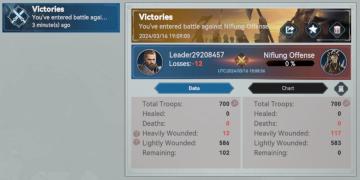
you've entered battle, victory report: wounded troops, dead units
Viking Rise
The user interface (UI) in the picture presents a battle summary related to a game, focusing on victories against an opponent named "Niflung Offense." Key...
say yes you should win this easily
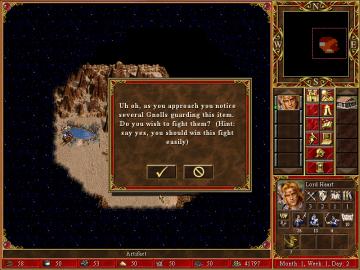
Heroes of Might and Magic 3: Complete
The user interface (UI) in the image showcases a combination of features commonly found in roleplaying strategy games. Main Features 1. Dialogue Box:...
you got clogs
TOEM
you must be resting on a bench to equip a charm
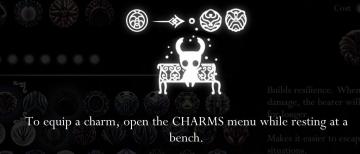
Hollow Knight
The image displays a user interface (UI) related to equipping charms in a game. Main Icon: At the center, there is an icon resembling a stylized charact...
choose your hero
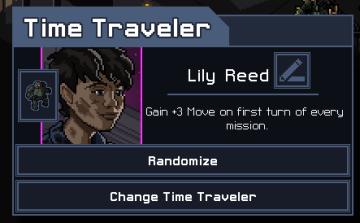
Into the Breach
The UI in the image features a character selection screen for a game titled "Time Traveler." 1. Title Bar: The top of the interface prominently displays "...
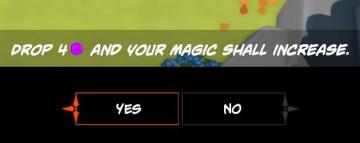
Drop 4 gems and your magic shall increase
Mages of Mystralia
The user interface (UI) in the picture consists of a prompt asking the player to "DROP 4" of a specific resource (indicated by a purple circle) to increase thei...