mod: better civilization emblems (include civ name)
Description
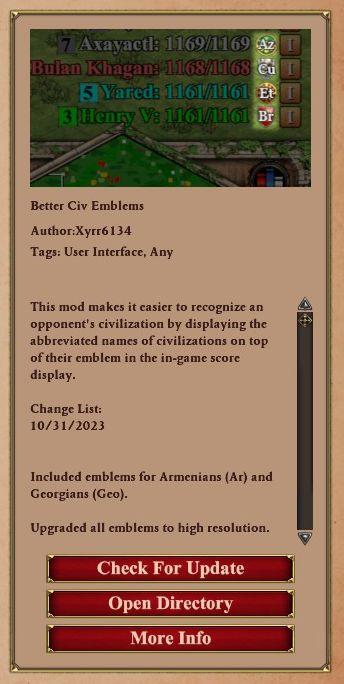
The interface features a list of civilizations, each accompanied by their name, score, and emblem. The numbers next to each civilization indicate their current score out of a total. The abbreviations (Az, Cu, Br) represent different civilizations, enhancing recognition.
Beneath this, there is a section detailing the mod titled "Better Civ Emblems," which includes the author's name and tags relevant to its purpose. A brief description explains the function of the mod, emphasizing its role in aiding players to recognize opponents by their civilization's emblem.
In the change list, the date highlights recent updates, specifying the inclusion of emblems for Armenians and Georgians and noting improvements in emblem resolution.
At the bottom, interactive buttons facilitate user action: "Check For Update" prompts the system to seek updates, "Open Directory" likely directs users to related files or resources, and "More Info" provides additional details about the mod. The vertical scrollbar suggests more content is available for viewing within the UI. The layout is clean and organized, ensuring ease of navigation.
Software
Age of Empires 2 Definitive Edition
Language
English
Created by
 M S
M S
Sponsored
Similar images
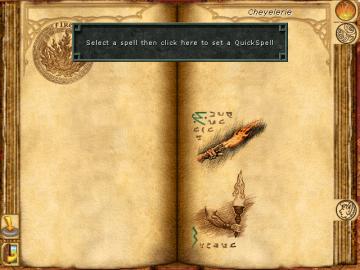
set up a quickspell button, then cast with S
Might and Magic 8: Day of the Destroyer
The UI in the image presents a spell selection menu from a fantasythemed application, likely a game. Here’s a breakdown of its key features: 1. Main Display...
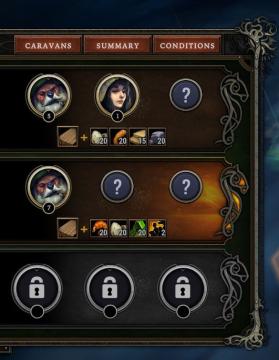
caravans, summary, conditions
Against the Storm
The user interface (UI) in the image features a structured layout with several key labels and elements. The top section includes three main buttons labeled "CAR...
can you survive?
Cursed to Golf
The image features a gaming interface designed with a vibrant, playful aesthetic. Key UI elements include: 1. Main Text: "CAN YOU SURVIVE?" This prominen...
セーブデータリセット

Inscryption
この画像には、保存データをリセットするためのUIラベルがあります。「セーブデータをリセット」というテキストは、ユーザーに特定のアクションを促す重要な機能を示してい...
choose your language
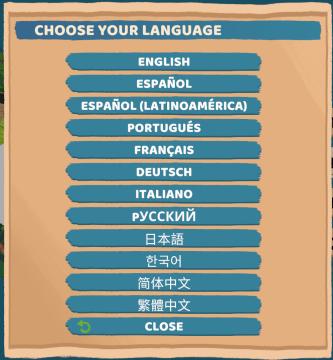
Floppy Knights
The user interface (UI) in the picture features a language selection menu. Here’s a breakdown of its elements and functions: 1. Title: Label: "CH...
foragers' camp's recipes
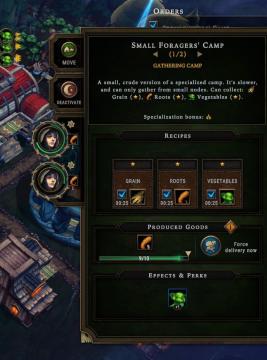
Against the Storm
The interface features are structured for clarity and usability, focusing on resource management and production output. 1. Title Bar: At the top, "Small F...
recruit pixies
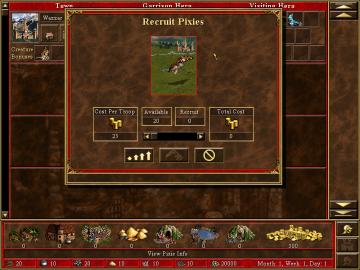
Heroes of Might and Magic 3: Complete
The user interface (UI) in the picture primarily focuses on recruiting creatures, specifically Pixies. Here’s a breakdown of the labels and features: 1. Titl...
continue settlement or return to world map
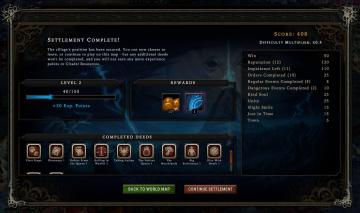
Against the Storm
The user interface in the picture presents a structured postgame summary. 1. Title Panel: At the top, "Settlement Complete!" indicates the player's progr...