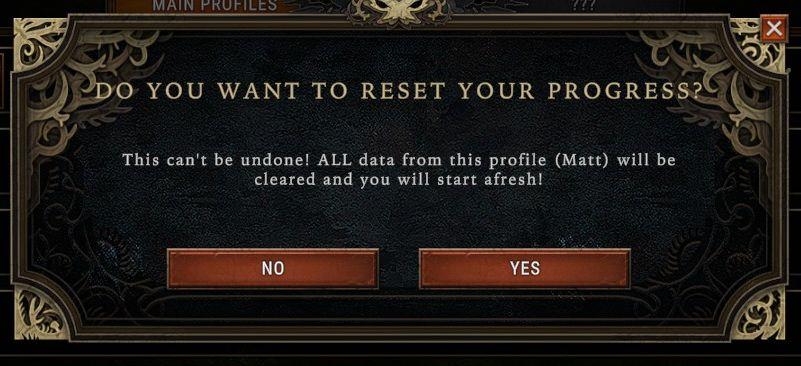
do you want to reset your progress?
Description
The UI features a modal dialog box that prompts the user with a question, clearly indicating the purpose of the interaction.
At the top, the heading reads “DO YOU WANT TO RESET YOUR PROGRESS?” in bold, eye-catching text, emphasizing the importance of the decision. Below this, there is a warning message: “This can't be undone! ALL data from this profile (Matt) will be cleared and you will start afresh!” This message serves to inform the user of the consequences of their choice, highlighting the irreversible nature of the action.
There are two button options presented at the bottom: “NO” and “YES.” Both buttons have a similar rectangular shape with rounded edges, using a muted color palette that complements the dark background. “NO” is positioned on the left and likely serves as a safer choice, while “YES” on the right signifies a confirmation of the reset action. The placement of these buttons indicates a typical left-to-right reading and decision-making flow.
The overall form of the dialog box has ornate borders, adding a stylistic element that may align with the theme of the application, giving it a more immersive aesthetic. The background is textured, providing depth and enhancing focus on the text and buttons.
Software
Against the Storm
Language
English
Created by
 M S
M S
Sponsored
Similar images
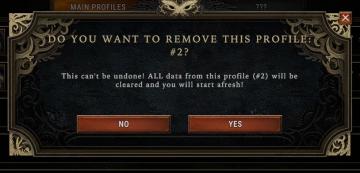
Do you want to remove this profile?
Against the Storm
The UI features a modal window designed to confirm the deletion of a user profile. Title Bar: At the top, it prominently displays the prompt, "DO YOU WA...
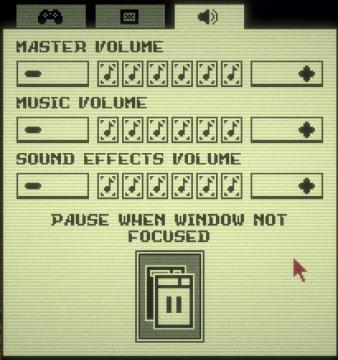
sound settings, pause sounds when window not focused
Inscryption
The user interface features a simple layout primarily focused on audio settings. Each section is clearly labeled for clarity and functionality. 1. Volume Co...
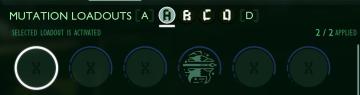
selected mutation loadout is activated
Grounded
The user interface features a labeled section for “MUTATION LOADOUTS,” with options from A to D clearly indicated at the top. The highlighted letter “A” signifi...
adopt policy
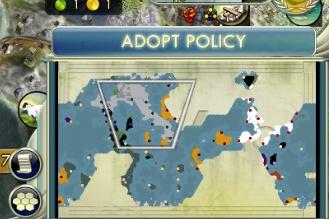
Civilization V
The user interface (UI) in the picture primarily features the "Adopt Policy" label, prominently displayed at the top of the screen. This label indicates a funct...
single player: play campaign or play a random skirmish match
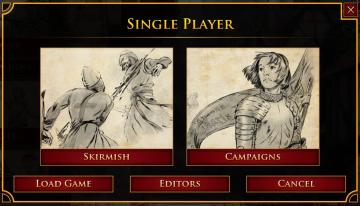
Age of Empires 2 Definitive Edition
The user interface features a prominent title at the top labeled "SINGLE PLAYER," clearly indicating the mode of gameplay. Below this title, two main options ar...
saving content. please do not turn off your computer
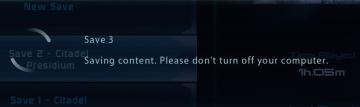
Mass Effect 1
The interface displays several UI labels and features related to the saving process of a game. 1. Save Slots: The section shows multiple save slots labele...
historie, statistiky, doklady menu

Rekola
Na obrázku jsou tři uživatelské rozhraní (UI) štítky, které mají různé funkce a designové vlastnosti. 1. Historie: Tento štítek je označen modrou ikonou se...
dodge roll tutorial
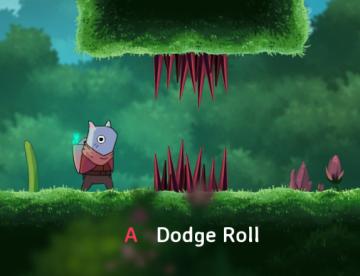
Islets
In the image, the user interface (UI) features a prominent label that indicates a control instruction for the player. Here's a breakdown of the elements: 1. ...