uncle ben, enhance equipment
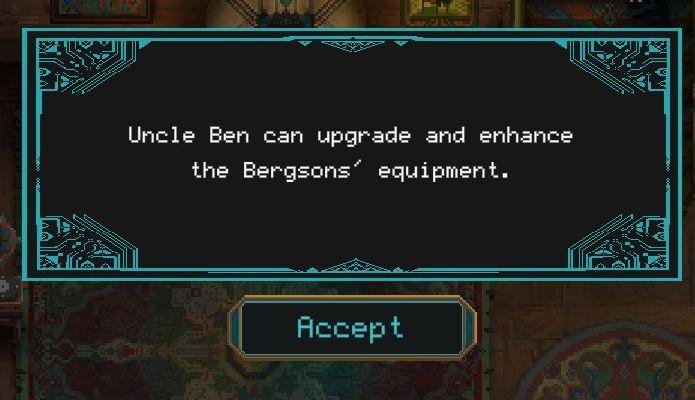
Description
- Main Text: Provides information about Uncle Ben's ability to upgrade and enhance the Bergsons' equipment.
- Button: "Accept" - prompts the user to confirm or proceed with the action presented in the text.
Software
Children of Morta
Language
English
Created by
 M S
M S
Tags
Sponsored
Similar images
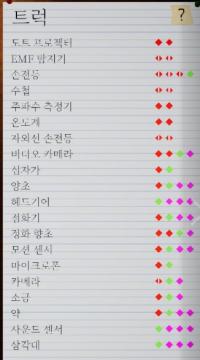
ghost hunting equipment tools cameras flashlights sensors
Phasmophobia
이 사진은 다양한 기기나 기능을 목록화한 사용자 인터페이스(UI)입니다. 각 항목 옆에는 색상 있는 아이콘이 배열되어 있으며, 여기서는 기능이나 상태를 나타내는 것으로...
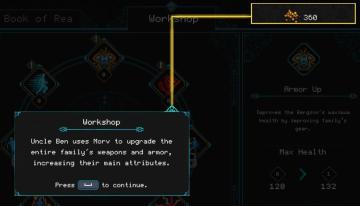
spend Morv to upgrade equipment
Children of Morta
Workshop Label: Indicates a function where upgrades can be performed. Description Box: Provides context on upgrades related to weapons and armor, al...
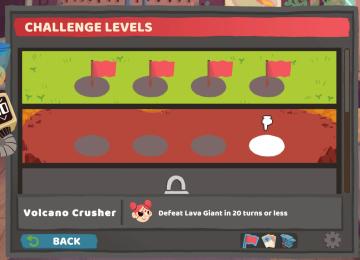
challenge levels
Floppy Knights
The UI in the picture showcases a game interface for "Challenge Levels." Here's a breakdown of the features and labels: 1. Header ("CHALLENGE LEVELS"): Thi...
it's too dark to navigate, it will be possible again at dawn
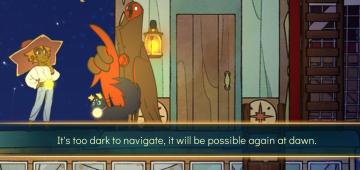
Spiritfarer: Farewell Edition
The UI features a prominent text box at the bottom, which conveys a message indicating that navigation is currently hindered due to darkness. The message reads,...
one or more heroes may still move
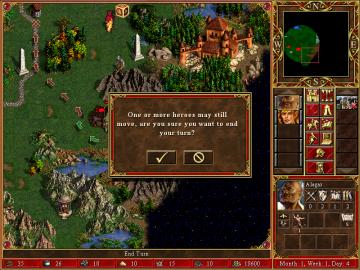
Heroes of Might and Magic 3: Complete
In the image, the user interface (UI) features and labels are primarily designed for gameplay in a strategy game, likely a turnbased format. Here's a breakdown...
primary attack tutorial
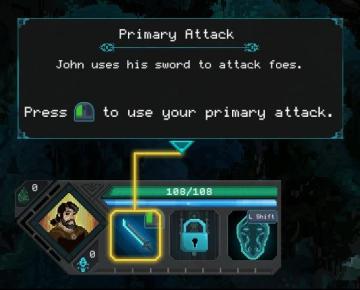
Children of Morta
Title: "Primary Attack" – indicates the action's name. Description: Explains the action involving John’s sword and usage against enemies. Instru...
buy a power upp
Hades II Early Access
The UI features a button labeled "Buy PowerUp," accompanied by a symbol likely indicating a game controller input (RB). This button serves the primary function...
úkolu pořiďte snímek předejděte útoku sfoukněte svíčku

Phasmophobia
Na obrázku jsou UI popisky rozdělené do tří hlavních sekcí, které popisují konkrétní úkoly v hře. 1. Nechte ducha, aby sfoukl Svíčku – Tento popis naznačuj...