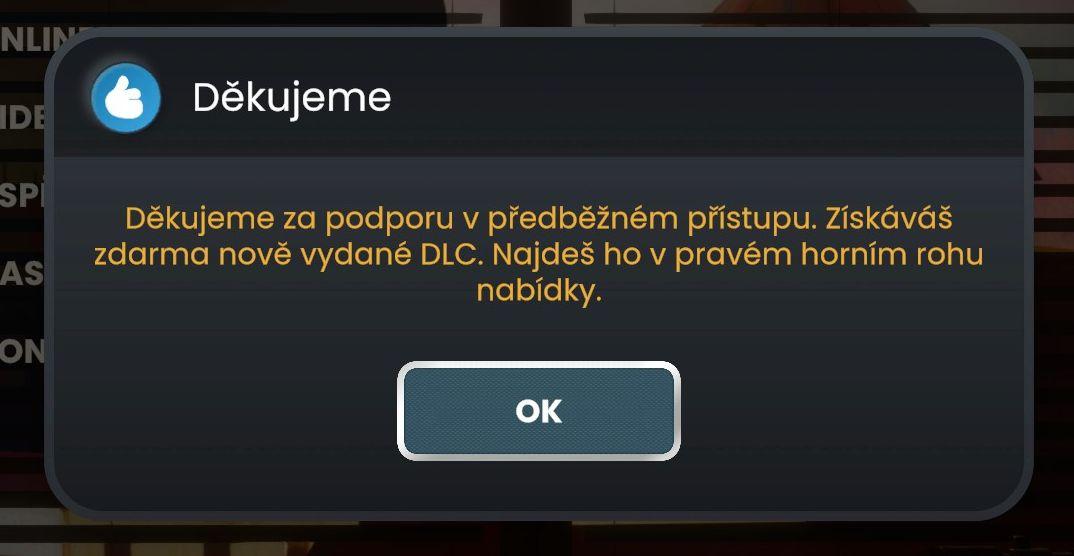
děkujeme za podporu v předběžném přístupu
Description
The image features a dialog box with a sleek design, primarily in dark tones for the background, which helps the text stand out. The upper left corner includes a circular blue icon resembling a thumbs-up, indicating a positive acknowledgment or thanks.
The label "Děkujeme," meaning "Thank you," is prominently displayed at the top in a bold, white font, establishing the primary purpose of the message: to express gratitude.
Below this, there’s a detailed message in a lighter shade, providing context about the support for early access and a note about receiving free new DLC (downloadable content). Key phrases are highlighted in yellow, enhancing visibility and emphasis on the benefits being communicated.
At the bottom, a rounded button with the label "OK" is presented in a contrasting white font against a textured blue background. This button functions as the confirmation mechanism, allowing users to dismiss the dialog and return to the main interface. The overall layout ensures clear communication while maintaining an aesthetic appeal.
Software
Bulanci
Language
Czech
Created by
 M S
M S
Sponsored
Similar images
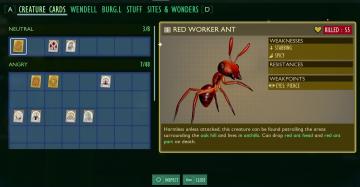
red worker ant creature card
Grounded
The user interface (UI) features are organized into several sections, primarily focusing on creature cards. The main title, "CREATURE CARDS," indicates the purp...
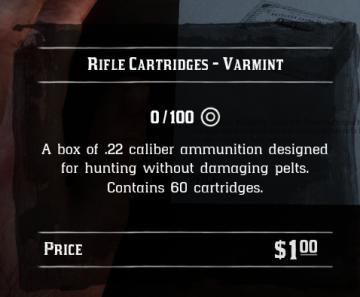
ammunition shop item description ammo cartridge contains
Red Dead Redemption 2
The UI in the image displays information about "Rifle Cartridges Varmint." Here are the key features and labels: 1. Title: The top label prominently feat...
clear save select delete

Mages of Mystralia
The UI features in the image consist of three primary labels: "Clear save," "Delete," and "Select," each of which serves specific functions. 1. Clear save:...
loading game
Phasmophobia
화면에는 "로딩 중.."이라는 텍스트와 함께 "4%"라는 로딩 진행률이 표시되어 있습니다. 기능: 이 UI 요소는 사용자에게 현재 로딩 상태를 알리는 역할을 합니다....
photo mode controls settings
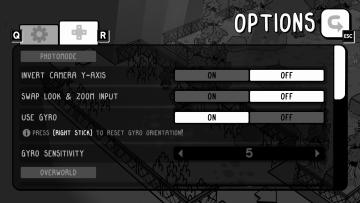
TOEM
The UI in the image showcases an options menu for a game, specifically designed for photomode settings. Here’s a breakdown of its features and their functions:...
bakery, unlocked at level 2
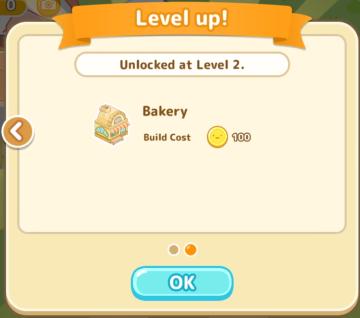
Sumikko Farm
The UI features a simple and colorful design, primarily focused on conveying information effectively. 1. Header Section: Label: "Level up!" prom...
main menu: start new career, exit, extras
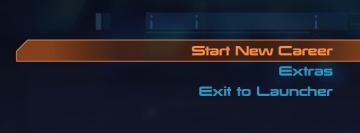
Mass Effect 1
The UI presents three main labels with distinct functions, each crafted for clarity and ease of navigation. 1. Start New Career: This primary option, highl...
player talents screen, undo talent points button, auto level up button
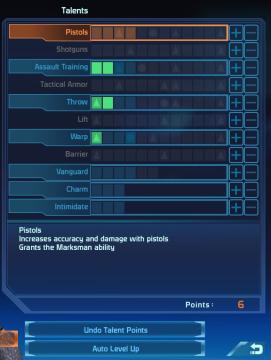
Mass Effect 1
The UI displays a "Talents" menu, primarily focused on character abilities or skills. The main area features a vertical list of talent categories, including "Pi...