ゆうれい幽霊ミッション結果
Description
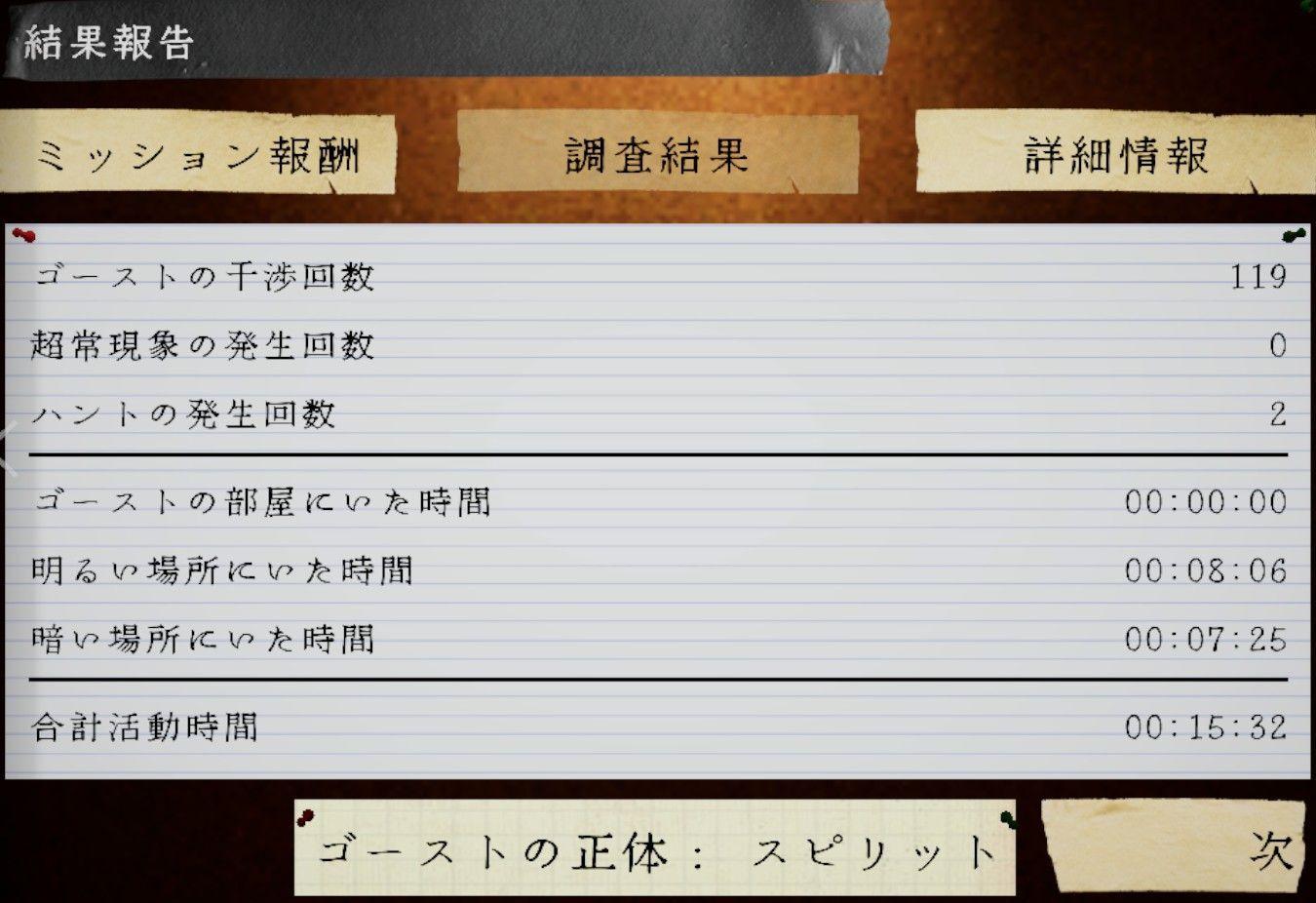
この画像は、ゲームの報告画面を示しており、ユーザーインターフェイス(UI)のラベルと機能が含まれています。
-
タイトル: 「結果報告」と大きく表示されており、プレイヤーが獲得した結果の概要を示します。
-
タブ:
- ミッション報酬: 完了したミッションに関連する報酬を示すセクション。
- 調査結果: 調査に関する具体的なデータを表示するタブ。
- 詳細情報: 更なる情報やデータの分析が必要な場合のオプション。
-
データのリスト:
- 各項目は特定の統計情報を表示しています。
- 「ゴーストの干渉回数」
- 「超常現象の発生回数」
- 「ハントの発生回数」
- 各項目の隣に数値が表示され、プレイヤーのパフォーマンスを視覚的に示します。
- 各項目は特定の統計情報を表示しています。
-
時間に関する項目:
- ゴーストの部屋にいた時間、明るい場所にいた時間、暗い場所にいた時間など、プレイヤーの行動の時間を記録。
-
合計活動時間: プレイヤーの全活動時間を示す合計欄。
-
ボタン:
- 下部には「次」というボタンがあり、次のステップやページに進むための機能が考えられます。
全体的に、シンプルで機能的なデザインが特徴で、クリアで整理された情報がプレイヤーに提供されています。背景やフォントがゲームのテーマに合わせてデザインされており、雰囲気を強調しています。
Software
Phasmophobia
Language
Japanese
Created by
 M S
M S
Tags
Sponsored
Similar images
special stats
Fallout London
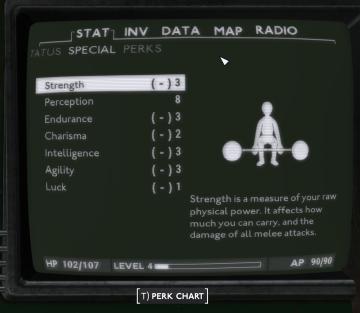
The image displays a user interface from a video game, likely an RPG. Here’s a breakdown of the UI labels and features: 1. Main Header: The top of the scre...
log out button
Grounded
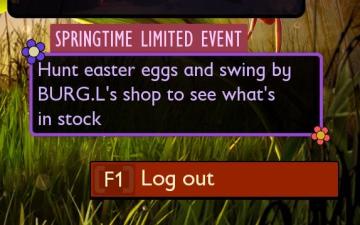
The user interface presents a vibrant, engaging design centered around a "Springtime Limited Event." The title, prominently displayed in a purple box with decor...
defeated after infection takes hold
The Last Stand: Aftermath
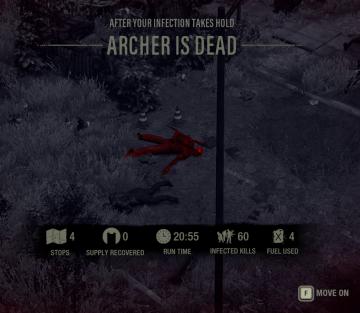
The UI in the picture displays important game statistics and information in a clear, structured layout. Here's a breakdown of the elements: 1. Title Section...
camera angle and sensitivity settings under general settings
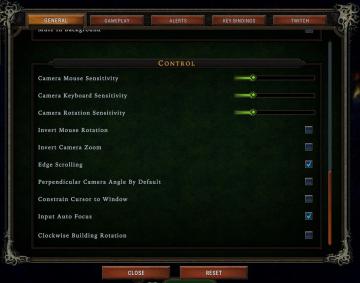
Against the Storm
The UI features a dark, textured background that enhances readability. The section is titled "CONTROL" and presents various adjustable settings related to camer...
alert: too soon for dangerous glades
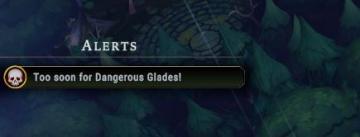
Against the Storm
The image features a user interface (UI) alert section labeled "ALERTS." This section is designed to convey important notifications to the player. The text "Too...
autorun key, jump key, moving and relocating building key binds
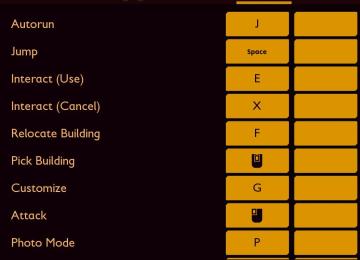
Grounded
The image displays a user interface (UI) for a control scheme, likely for a video game. The layout is vertical, with action labels on the left and corresponding...
optional features dialog, enable notifications, don't ask this again
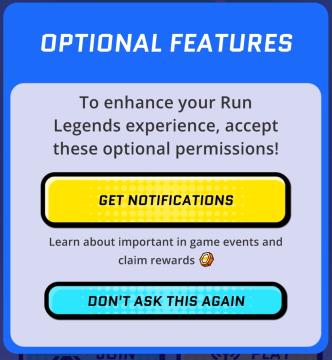
Run Legends
The user interface (UI) in the picture features a notification prompt designed for the "Run Legends" game. It is set against a predominantly blue background, en...
scroll of inferno
Diablo I
The UI in the image is designed for an inventory or spellcasting interface, typical in roleplaying or action games. Here’s a breakdown of its features: 1. H...