caeldippo caves
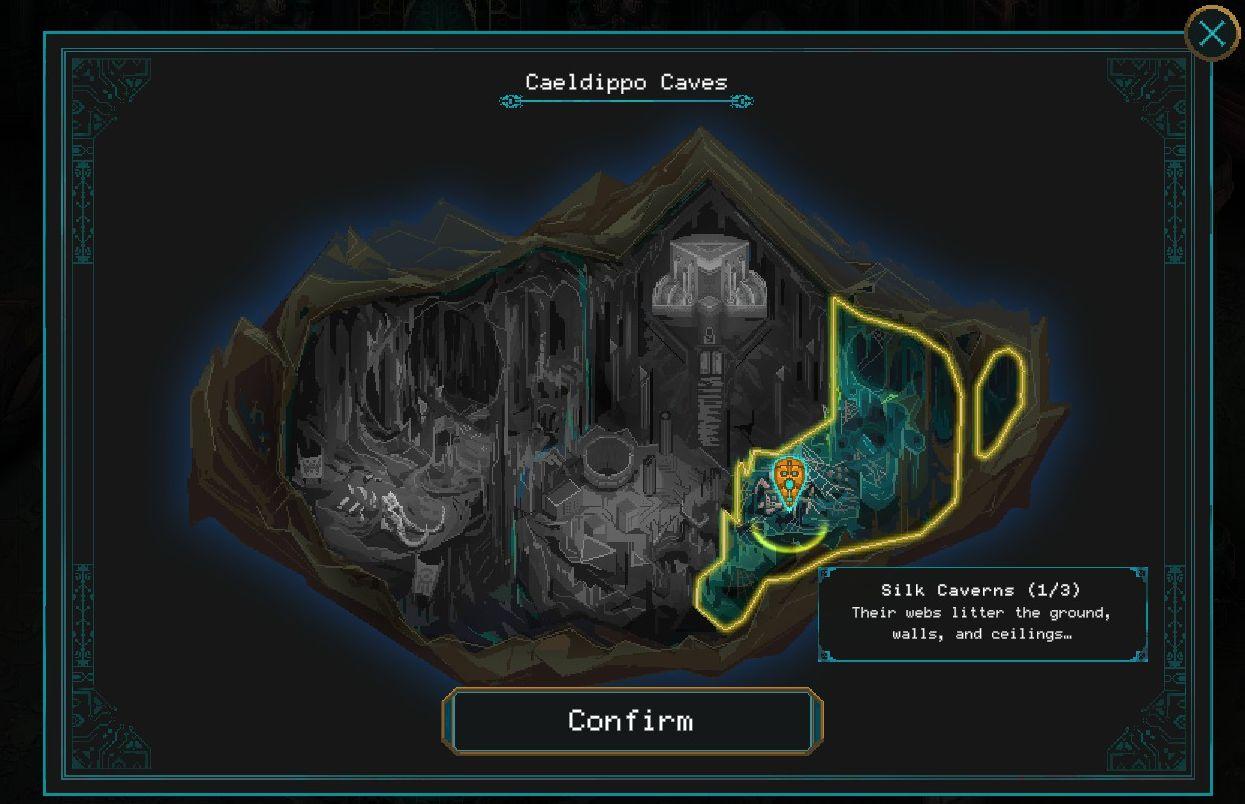
Description
- Title: "Caeldippo Caves" - indicates the name of the location.
- Map Area: Illustrates the cave layout with highlighted sections.
- Marker Icon: Shows the current location within the caves.
- Info Box: Displays details about "Silk Caverns," including a brief description and indicates it is part 1 of 3.
- Confirm Button: Used to proceed with the selection or action.
- Close Icon: Offers an option to exit the map view.
Software
Children of Morta
Language
English
Created by
 M S
M S
Tags
Sponsored
Similar images
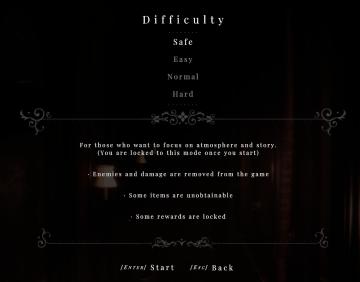
difficulty
Maid of Sker
capture prey

Hades II Early Access
The UI features a prominent label reading "CAPTURE," which suggests its primary function involves photography or screen capturing. This label is designed in bol...
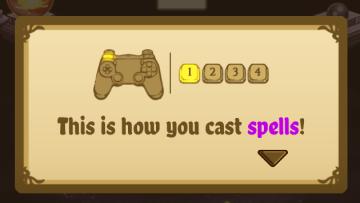
this is how you cast spells
Cat Quest
The UI in the picture features a popup instructional panel that guides users on how to cast spells in a game. Key Elements: 1. Controller Icon:...
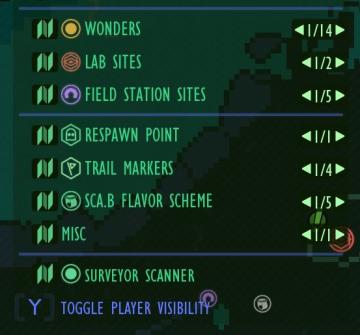
map key, map legend, lab sites, wonders, respawn points
Grounded
The UI features a vertical list that categorizes different elements related to a game's map or exploration features. Each category has a distinct label that des...
sleep until morning, yes or no
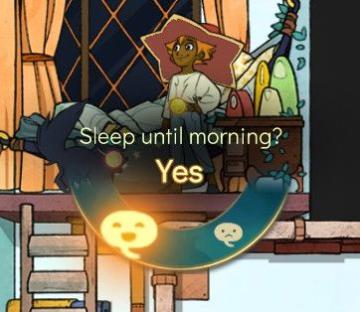
Spiritfarer: Farewell Edition
The UI features a circular prompt that asks, "Sleep until morning?" This question indicates a decision point in the game, likely related to time progression or...
health, experience

Mass Effect 1
The UI features prominent labels and a streamlined layout that convey critical character information. Character Name: "Jane Shepard" is displayed promin...
options, settings
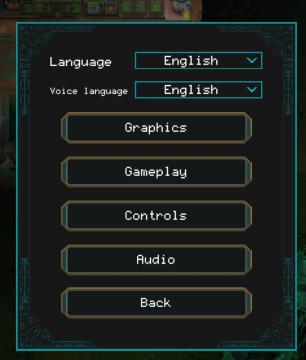
Children of Morta
Language: Select preferred language. Voice language: Select language for voiceovers. Graphics: Access settings related to visual aspects. ...
you must be resting on a bench to equip a charm
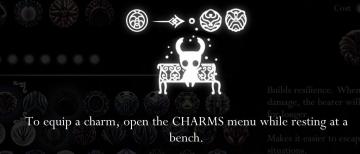
Hollow Knight
The image displays a user interface (UI) related to equipping charms in a game. Main Icon: At the center, there is an icon resembling a stylized charact...