objectives
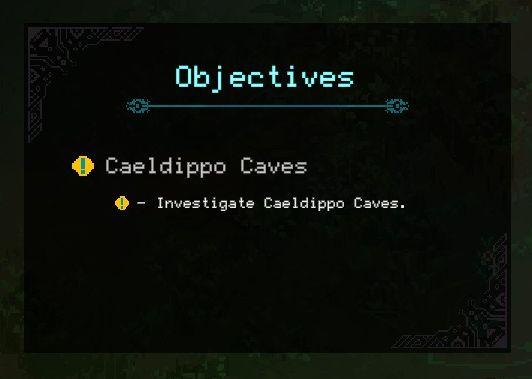
Description
- Objectives: Title indicating the section for quests or tasks.
- Caeldippo Caves: Main objective name, highlight for focus.
- Investigate Caeldippo Caves: Description of the task associated with the main objective, providing a specific action to take.
Software
Children of Morta
Language
English
Created by
 M S
M S
Tags
Sponsored
Similar images
scenario editors strings: hints, objectives, instructions
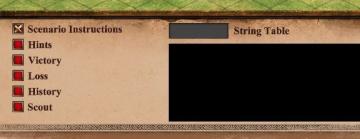
Age of Empires 2 Definitive Edition
The UI features a clearly defined layout aimed at providing information relevant to gameplay scenarios. 1. Scenario Instructions: This label is prominent...
bonus objectives
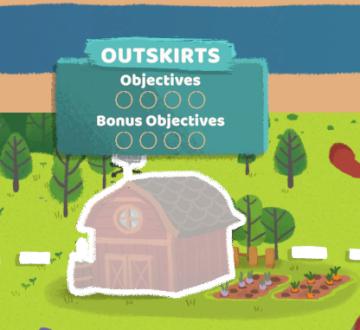
Floppy Knights
The UI in the picture displays a section labeled "OUTSKIRTS," suggesting it's part of a game or application focused on managing tasks or objectives in a rural o...
campaign scenario map: objectives, hints, scouts
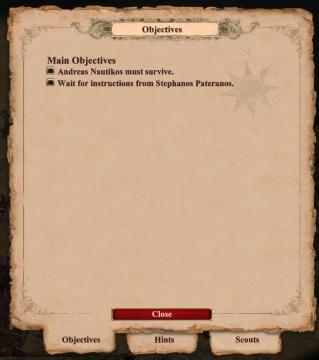
Age of Empires 2 Definitive Edition
The user interface primarily focuses on displaying objectives related to the game. At the top, there is a prominent label reading "Objectives," indicating the c...
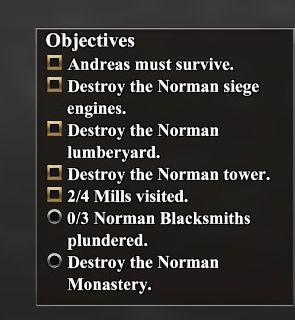
campaign scenario map objectives: Andreas must survive
Age of Empires 2 Definitive Edition
The UI features a list titled "Objectives," presented in a vertical format. Each item includes a checkbox next to its description, indicating whether the object...
new upgrade: life enchantment, zia's maximum life is permanently increased

Mages of Mystralia
The UI prominently features the label "New Upgrade" at the top, indicating that the player has recently acquired a new ability or improvement. Below this header...
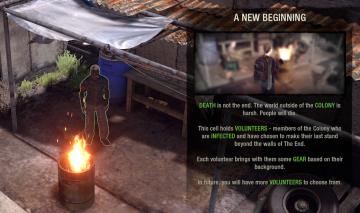
a new beginning
The Last Stand: Aftermath
The image features a user interface (UI) text box overlaying a game scene, presenting essential information to the player. UI Labels and Features 1. Tit...
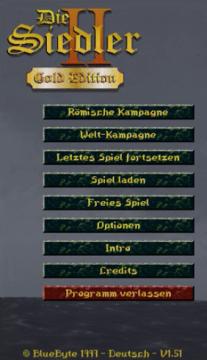
main menu
The Settlers II
Im Bild befinden sich die Benutzeroberflächenlabels und Funktionen des Spiels "Die Siedler II: Gold Edition". Am oberen Rand wird der Titel "Die Siedler II" i...
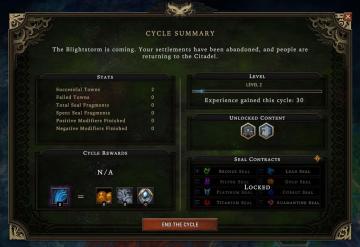
end the cycle, cycle rewards and experience gained
Against the Storm
The interface features a "Cycle Summary" section prominently at the top, providing context with a narrative line about the state of settlements. Below this, key...