campaign scenario map: objectives, hints, scouts
Description
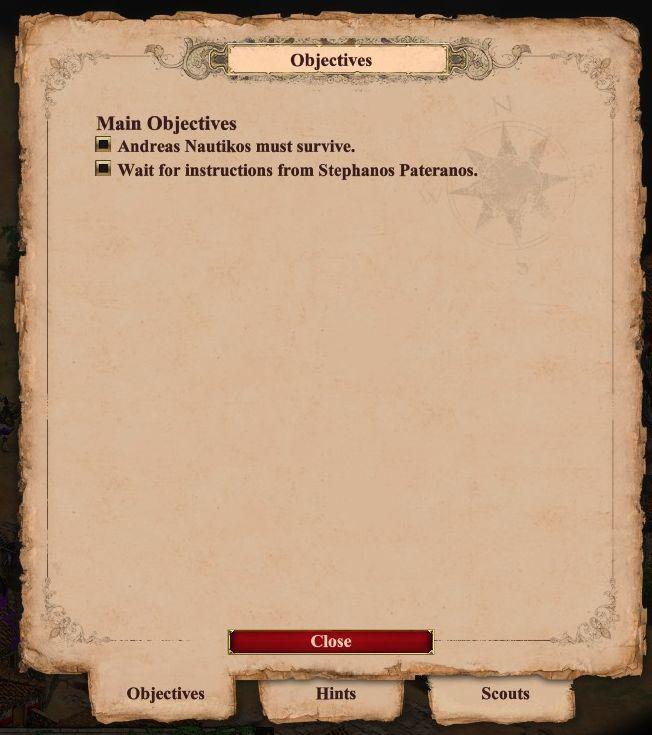
The user interface primarily focuses on displaying objectives related to the game. At the top, there is a prominent label reading "Objectives," indicating the current section. Below this, the main objectives are clearly listed with corresponding checkboxes that allow users to track progress visually.
The content is divided into two main objectives: "Andreas Nautikos must survive" and "Wait for instructions from Stephanos Pateranos," each clearly laid out in bullet-point format for easy reading.
At the bottom of the panel, a red "Close" button serves the function of dismissing the window, ensuring users can navigate away easily. Additionally, there are tabs labeled "Objectives," "Hints," and "Scouts" along the bottom, suggesting additional sections or features that may provide further assistance or information. The stylistic choice of a parchment-like background, combined with the decorative elements and soft colors, contributes to an immersive experience reflecting the game's theme.
Software
Age of Empires 2 Definitive Edition
Language
English
Created by
 M S
M S
Sponsored
Similar images
main menu: single player campaigns, multiplayer, learn to play
Age of Empires 2 Definitive Edition
The user interface (UI) presents a clear and organized menu for navigating the game "Age of Empires II: Definitive Edition." 1. Title: The top prominently...
campaign story: skip story, next slide button, controls
Age of Empires 2 Definitive Edition
The interface presents a semitransparent overlay with a detailed illustration of a character on an aged parchment background. This setup emphasizes the narrati...
single player: play campaign or play a random skirmish match
Age of Empires 2 Definitive Edition
The user interface features a prominent title at the top labeled "SINGLE PLAYER," clearly indicating the mode of gameplay. Below this title, two main options ar...
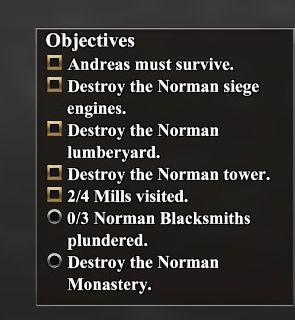
campaign scenario map objectives: Andreas must survive
Age of Empires 2 Definitive Edition
The UI features a list titled "Objectives," presented in a vertical format. Each item includes a checkbox next to its description, indicating whether the object...
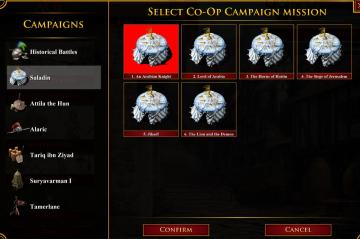
select coop campaign mission
Age of Empires 2 Definitive Edition
The user interface displays various campaign options divided into two sections: the left pane features sidenavigation labels for different campaigns, while the...
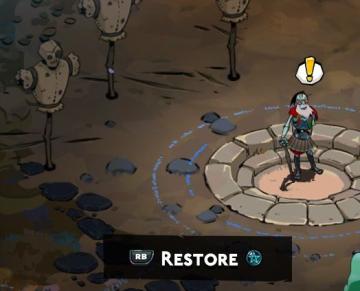
restore magick
Hades II Early Access
The UI in this image features a central action prompt for a character in a game, with a clear focus on functionality. Restore: This label indicates a sp...
zustante hrat s prateli, play with friends
Steam
Na obrázku je uživatelské rozhraní (UI) aplikace Steam. Obsahuje dvě hlavní části: 1. Hlavní textová zpráva: "Zůstaňte i při hraní ve spojení s komunitou a...
buy journey staff at the blacksmith's
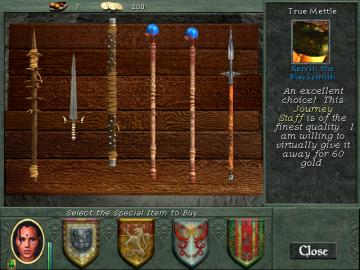
Might and Magic 8: Day of the Destroyer
The UI in the picture features several key components designed for user interaction and item selection in a medievalthemed environment. 1. Top Bar: Displa...