mějte své oblíbené a rozkoukané pořady na všech svých zařízeních
Description
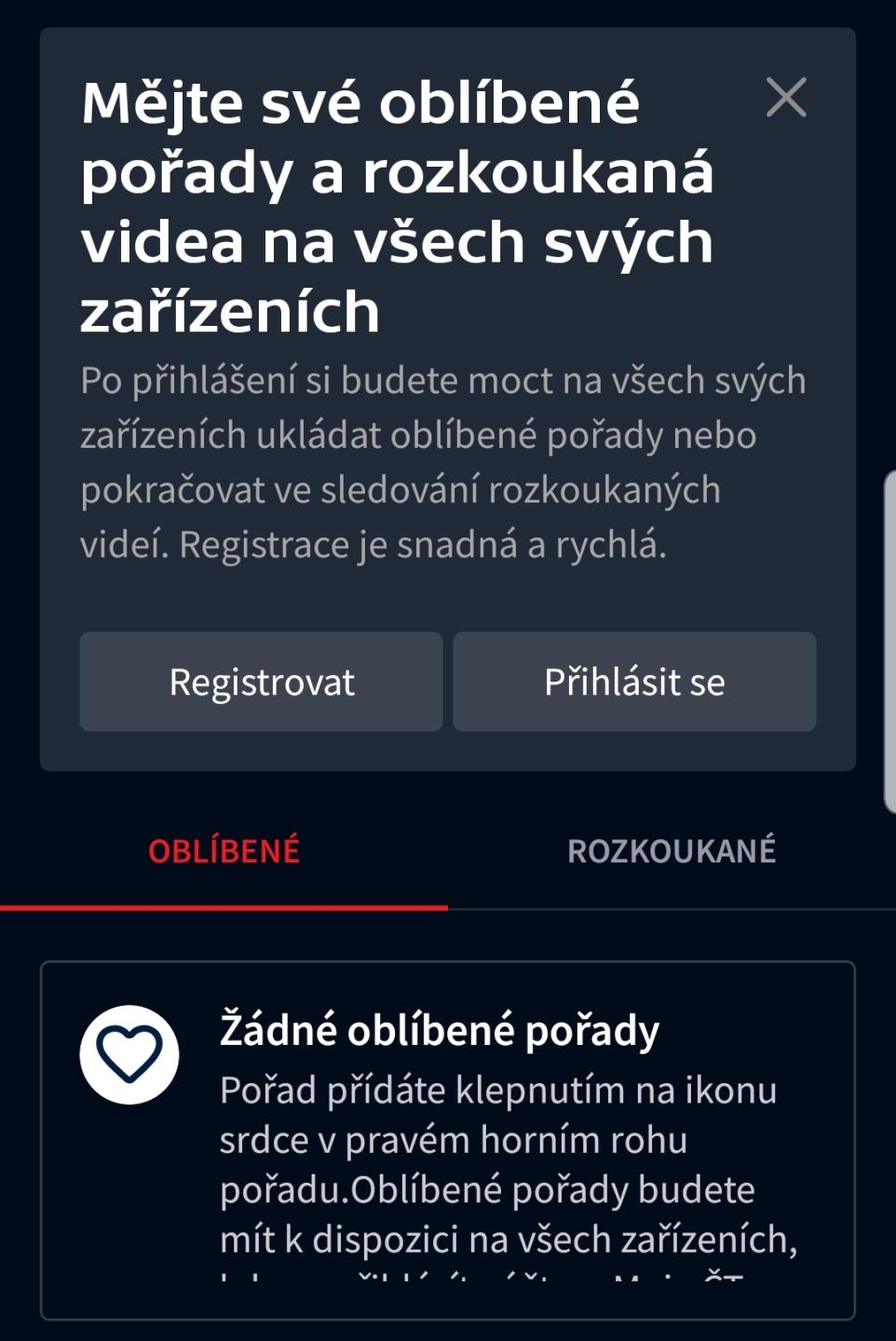
Na obrázku vidíme uživatelské rozhraní (UI) zaměřené na správu oblíbených a rozkoukaných videí.
-
Hlavní nadpis: "Mějte své oblíbené pořady a rozkoukaná videa na všech svých zařízeních" – jasně komunikuje, že po přihlášení budou uživatelé schopni mít svá oblíbená videa a pořady dostupná napříč různými zařízeními.
-
Instrukce: Text pod nadpisem vysvětluje funkčnost po přihlášení, jako je možnost ukládat oblíbené pořady a pokračovat ve sledování, s důrazem na snadnost a rychlost registrace.
-
Tlačítka:
- "Registrovat": Slouží pro novou registraci uživatele.
- "Přihlásit se": Pro uživatele, kteří již mají účet. Tlačítka mají jasnou a srozumitelnou funkci, a jsou vizuálně oddělena od ostatního obsahu.
-
Sekce „OBLÍBENÉ“ a „ROZKOUKANÉ“: Tyto štítky slouží k navigaci mezi různými sekcemi obsahu.
-
Zpráva o oblíbených pořadech: „Žádné oblíbené pořady“ signalizuje, že uživatel zatím nemá přidáno nic mezi oblíbené. Text uvádí, jak lze přidávat pořady, což je důležité pro uživatelskou interakci.
Celkově je rozhraní módní a čisté, s uživatelsky přívětivým designem, který kombinuje funkčnost s jednoduchým a moderním vzhledem.
Software
iVysílání
Language
Czech
Created by
 matej94v
Sponsored
Similar images
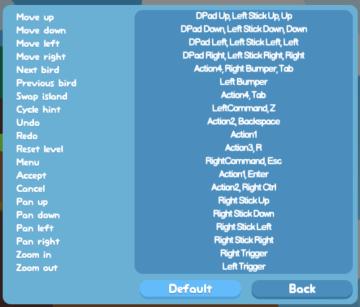
controls, swap island, move, pan, zoom
Snakebird
The user interface (UI) in the picture appears to be a control scheme setup, likely for a game. Here’s a breakdown of the labels and features: Functionalit...
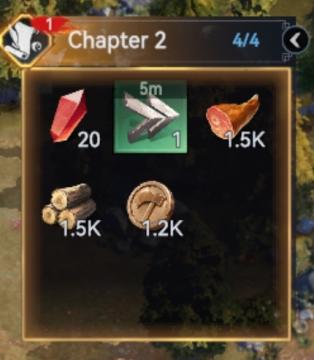
Chapter 2
Viking Rise
The user interface (UI) in the image appears to be a resource management panel from a game, specifically related to "Chapter 2." Here’s a breakdown of the label...
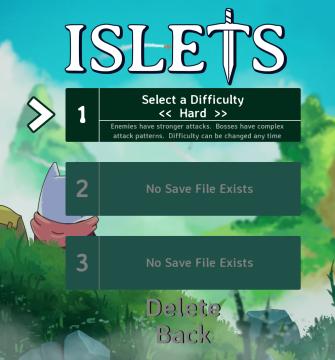
select difficulty
Islets
The user interface (UI) in the image features several key elements designed for selecting game settings and navigating the menu. 1. Title: At the top, the...
buy journey staff at the blacksmith's
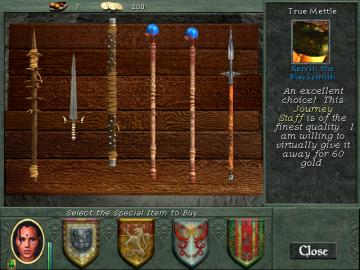
Might and Magic 8: Day of the Destroyer
The UI in the picture features several key components designed for user interaction and item selection in a medievalthemed environment. 1. Top Bar: Displa...
disarming (ESC to cancel)
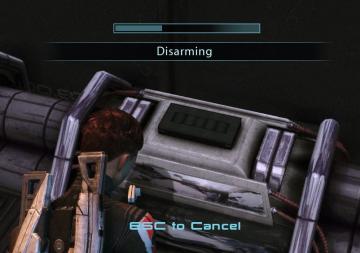
Mass Effect 1
The user interface in the picture features a progress bar at the top, indicating the state of a disarming operation. This bar visually represents completion, in...
build mode, construct a garden, track required materials
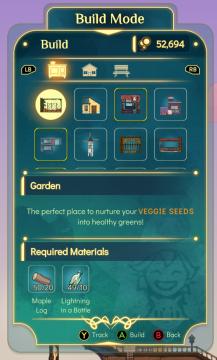
Spiritfarer: Farewell Edition
Title: "Build Mode" Clearly indicates the current mode of operation within the UI. Currency Display ("52,694") Shows a numerical balance, likel...
improve menu
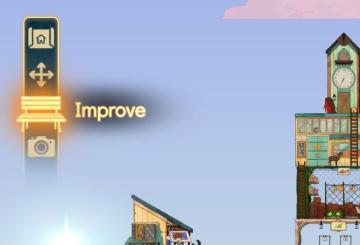
Spiritfarer: Farewell Edition
The UI on the left side features several icons designed for specific functions. 1. Home Icon: Positioned at the top, this icon likely directs the user bac...
skilltree
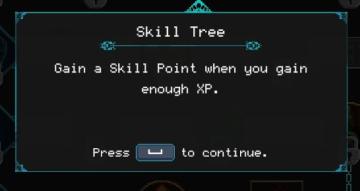
Children of Morta
Title: "Skill Tree" Indicates the section of the UI related to character abilities. Description: "Gain a Skill Point when you gain enough XP." E...