チケットまで何秒 Feverまで何秒
Description
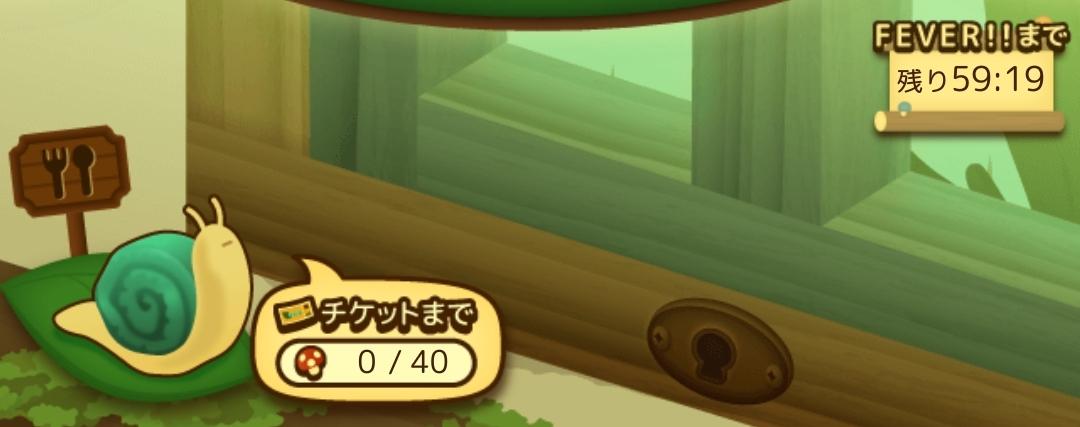
この画像には、かわいらしいデザインのユーザーインターフェース(UI)が表示されています。以下に主要なラベルや機能を説明します。
-
スナイル (ナメクジ):
- 画面の左側にナメクジのキャラクターがいます。このキャラクターはゲームの進行や特定のアクションに関連していると思われます。
-
チケットカウンター:
- 画面の右下には「チケットまで」というラベルがあり、その下に「0 / 40」という数字が表示されています。これは、40チケットのうち現在0チケットであることを示し、チケットを集める必要があることを示しています。
-
アイコン (食べ物の看板):
- 左側には、ナメクジに関連する食べ物のアイコンが描かれた看板があります。この看板は、ナメクジの目的やゲーム内で達成すべきタスクを示唆している可能性があります。
-
FEVERタイマー:
- 右上には「FEVER!!まで」のラベルとともに「残り59:19」と表示されており、特別なボーナスやパワーアップのカウントダウンを示しています。このタイマーはプレイヤーに対して、特定の時間内にアクションを取る必要があることを即しようとしています。
-
鍵穴アイコン:
- 画面の右側には鍵穴のアイコンがあり、ロックされた機能やエリアがあることを示唆しているようです。
全体的に、可愛らしいグラフィックデザインと直感的なラベルが組み合わさり、プレイヤーに分かりやすい情報を提供しています。
Software
のこのこキノコ
Language
Japanese
Created by
 matej94v
Sponsored
Similar images
library, add product, activate, use code
Steam
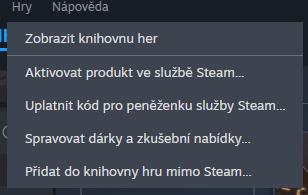
Na obrázku vidíme uživatelské rozhraní, konkrétně část menu, které se týká správy her a produktů v platformě Steam. Popis funkcí: 1. Zobrazit knihovnu...
alert: choose a blueprint
Against the Storm
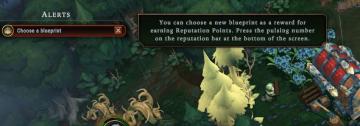
The UI includes several key elements designed for user interaction and guidance: 1. Alerts Section: The label "ALERTS" indicates an area for notifications...
change profile, default profile
Against the Storm
The UI features a green button labeled "CHANGE PROFILE," indicating its primary function is to allow users to switch between different user profiles. The button...
character, click mouse button to join
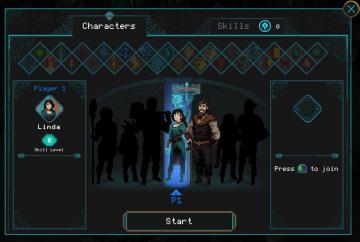
Children of Morta
Characters: Title for the character selection section. Skills: Display showing the number of skills available to the player. Player 1: Label i...
in-game main menu, load, save, restart
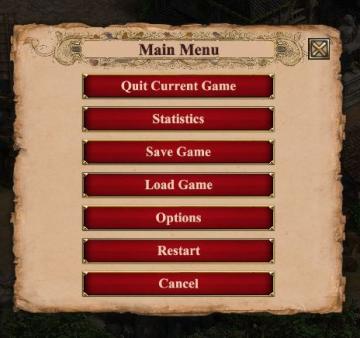
Age of Empires 2 Definitive Edition
The interface presents a Main Menu with a classic, vintage aesthetic, highlighted by ornamental borders and a textured background. The menu features a centraliz...
active orders: need for clothing and leisure
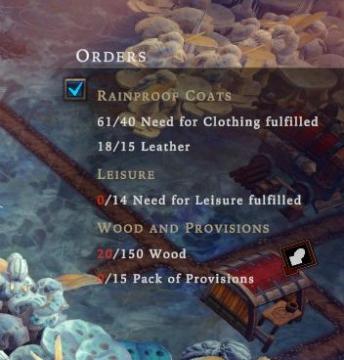
Against the Storm
The UI displays several sections under the label "Orders." It includes key categories like "Rainproof Coats," "Leisure," and "Wood and Provisions," each with sp...
Processing turn, please wait
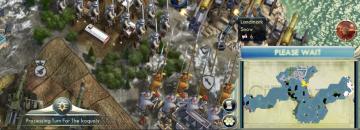
Civilization V
The user interface (UI) in the image showcases several key features and labels with specific functions: 1. Processing Indicator: At the bottom of the scree...
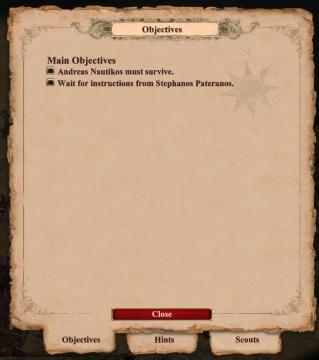
campaign scenario map: objectives, hints, scouts
Age of Empires 2 Definitive Edition
The user interface primarily focuses on displaying objectives related to the game. At the top, there is a prominent label reading "Objectives," indicating the c...