historie, statistiky, doklady menu

Description
Na obrázku jsou tři uživatelské rozhraní (UI) štítky, které mají různé funkce a designové vlastnosti.
-
Historie: Tento štítek je označen modrou ikonou se šachovnicovým vzorem, která naznačuje sledování událostí nebo aktivit. Jeho cílem je zobrazit uživateli přehled předchozích akcí nebo transakcí. Barva modrá může evokovat pocit důvěry a stability.
-
Statistiky: Uprostřed se nachází štítek „Statistiky“, reprezentovaný ikonou ve tvaru grafu s třemi sloupci. Tato funkce se zaměřuje na zobrazování dat a analýzy, nasazení uživateli přehled o důležitých metrikách. Tón ikonky je neutrální, což může uživatelům signalizovat objektivnost informací.
-
Doklady: Na pravé straně je štítek „Doklady“, který nese ikonu s podobou dokumentu nebo papíru. Tato funkce slouží k přístupu k důležitým dokumentům a údajům, které může uživatel potřebovat. Ikona je opět designována v neutrálních barvách, což poskytuje profesionální vzhled.
Celkově jsou všechny tři štítky uspořádány horizontálně, což podporuje intuitivní navigaci uživatelů a jasně vymezuje jejich funkce.
Software
Rekola
Language
Czech
Created by
 matej94v
Sponsored
Similar images
controls menu
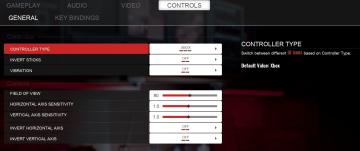
Panicore
The UI in the picture features a settings menu primarily for controller and camera controls in a gaming context. Sections and Features 1. Controller Se...
in-game menu quit, super-quit, respawn, options and settings
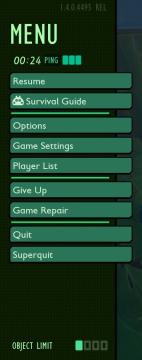
Grounded
The UI presents a structured menu labeled "MENU," positioned prominently at the top. Directly beneath this label is the timer displaying elapsed time (00:24) al...
diplomacy menu
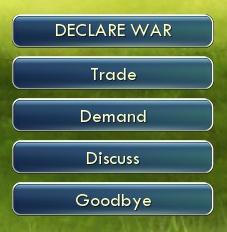
Civilization V
The image features a user interface (UI) with several interactive buttons. Each button represents a different function: 1. DECLARE WAR: This prominent top...
main menu, you can access music player
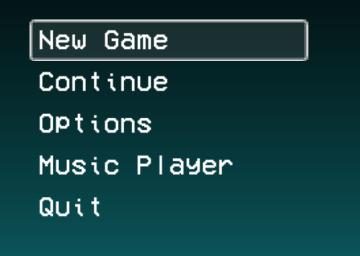
LISA: The Painful - Definitive Edition
The UI presented in the image features a vertical menu with five options, each serving distinct functions for navigating a game or application. 1. New Game...
Main menu: continue, start new game,
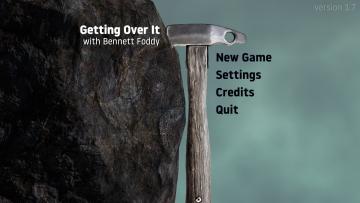
Getting Over It with Bennett Foddy
The interface presents a minimalist design that prioritizes functionality. The title "Getting Over It with Bennett Foddy" is prominently displayed at the top, e...
main menu 역전재판

Phoenix Wright: Ace Attorney Trilogy
이 UI는 주로 게임 메뉴를 구성하고 있으며, 사용자는 손쉽게 다양한 옵션에 접근할 수 있습니다. 상단에는 게임의 제목이 있는 배너가 있으며, 강렬한 색상 조합과 역동적...
build item craft menu
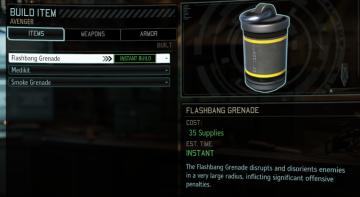
XCOM 2
The user interface (UI) in the image is from a game menu focused on building items for military operations. Here’s a breakdown of its labels and features: 1. ...
quit to main menu? a save will be made for you
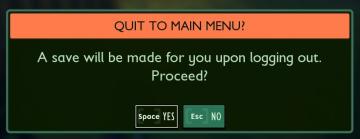
Grounded
The interface presents a confirmation dialogue with a clear and engaging design. The title "QUIT TO MAIN MENU?" stands out prominently at the top, indicating th...