not enough skill points
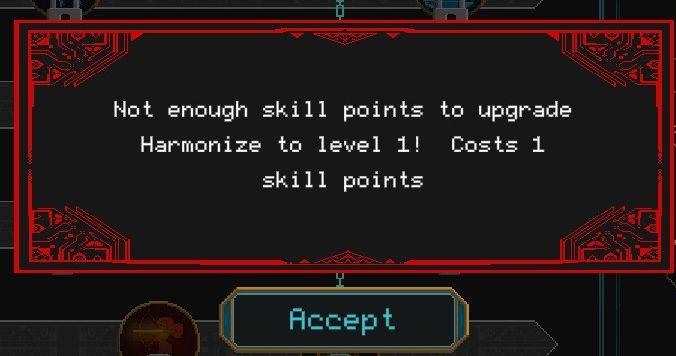
Description
- Message Box: Alerts the user about insufficient skill points.
- Notification Text: Indicates the specific action (upgrading "Harmonize" to level 1) and required skill points (1).
- Action Button: "Accept" allows the user to confirm acknowledgment of the message.
Software
Children of Morta
Language
English
Created by
 M S
M S
Tags
Sponsored
Similar images
spend skill points tutorial
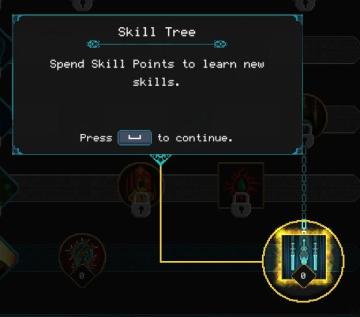
Children of Morta
Skill Tree: Title indicating the interface section for skill management. Spend Skill Points: Instructions on how to use skill points to acquire new...
technology tree: researched, not researched and unavailable techs
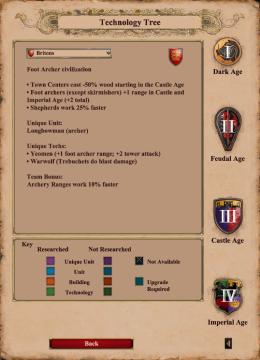
Age of Empires 2 Definitive Edition
The user interface features a variety of labeled sections providing information on the technology tree for the Britons civilization. Key Sections: 1. Ci...
cannot build altair of air
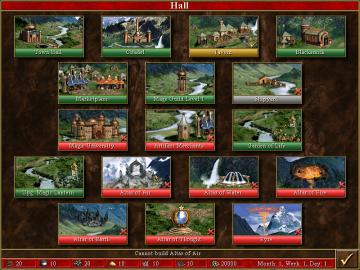
Heroes of Might and Magic 3: Complete
The image depicts a user interface (UI) for a game management screen, likely from a strategy game. Here’s a breakdown of the key features and labels focusing on...
car does not need repairing
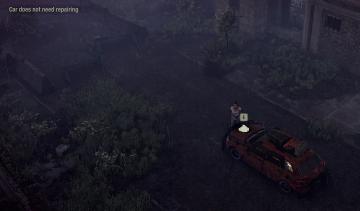
The Last Stand: Aftermath
In the UI of the image, the key features include: 1. Text Notification: There’s a label at the top left reading "Car does not need repairing." This serves...
manual save notification
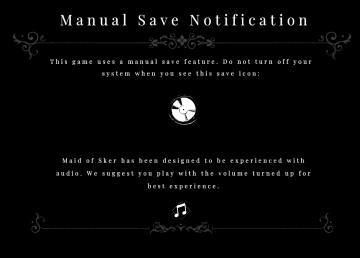
Maid of Sker
The UI in the picture is designed to convey important game information about saving and audio experience in a clear and visually appealing manner. 1. Title...
my clan: you have no invitations, you are currently not in a clan
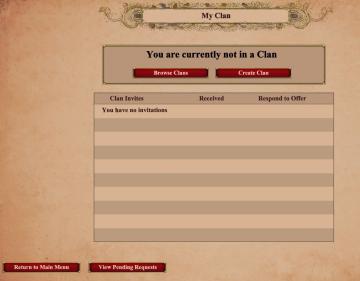
Age of Empires 2 Definitive Edition
The user interface features a clean and structured layout with several key components. At the top, there is a title labeled "My Clan," prominently displayed, in...
news, read the release notes
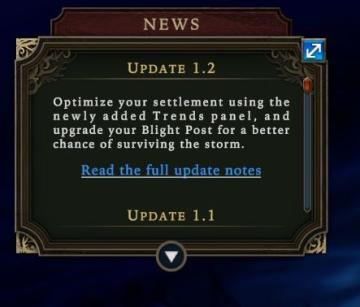
Against the Storm
The UI features a darkthemed panel with decorative borders, evoking a sense of intrigue. At the top, the label "NEWS" clearly indicates the section's purpose,...
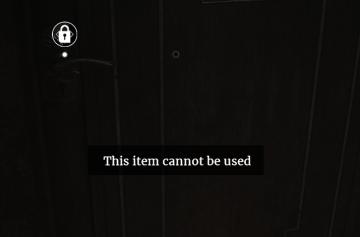
item cannot be used
Maid of Sker
The user interface (UI) in the image features a dark wooden door with a lock icon positioned in the upper left corner. This icon signifies the lock status of th...