confide in Frinos (the frog)
Description
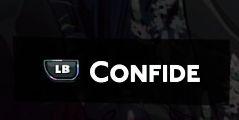
The UI features a prominent label that reads "Confide," suggesting a function related to secrecy or privacy, likely indicating a feature that allows users to communicate confidentially.
The label is designed with a modern aesthetic, utilizing a bold, sans-serif font in white against a dark background, which enhances readability and draws attention. To the left, an icon featuring "LB" is present, possibly indicating a button or a specific mode related to this function. The combination of the label and the icon implies interactivity, inviting users to engage with the feature for protecting sensitive information.
Software
Hades II Early Access
Language
English
Created by
 M S
M S
Sponsored
Similar images
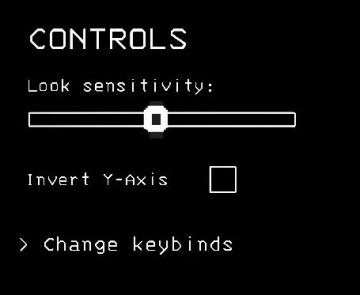
controls sensitivity and keybind menu settings
Lethal Company
The interface presents a controls menu with a minimalistic design set against a black background. 1. Title ("CONTROLS"): Displayed at the top in a bold, u...
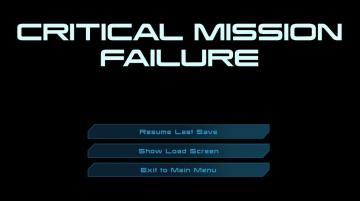
critical mission failure, resume last save or quit
Mass Effect 1
The user interface features a stark black background that emphasizes the text and buttons in a clear and concise manner. At the top, a large, bold heading reads...
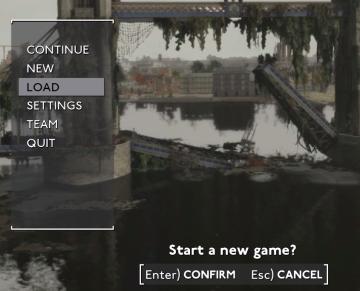
main menu
Fallout London
The UI features in the image consist of several key elements designed for navigating gameplay options: 1. Menu Options: The main menu is displayed on...
main menu: start new career, exit, extras

Mass Effect 1
The UI presents three main labels with distinct functions, each crafted for clarity and ease of navigation. 1. Start New Career: This primary option, highl...
new upgrade: life enchantment, zia's maximum life is permanently increased
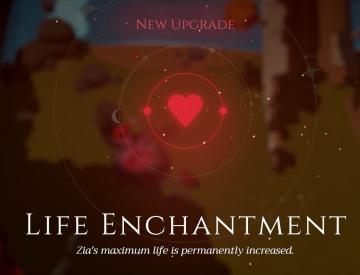
Mages of Mystralia
The UI prominently features the label "New Upgrade" at the top, indicating that the player has recently acquired a new ability or improvement. Below this header...
capture prey

Hades II Early Access
The UI features a prominent label reading "CAPTURE," which suggests its primary function involves photography or screen capturing. This label is designed in bol...
main menu racegame
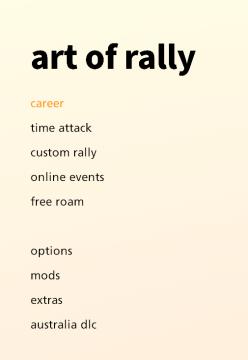
art of rally
The UI presents a clean, minimalist design with a soft gradient background that transitions from a pale yellow to offwhite, contributing to a calming aesthetic...
dead after being eaten by the infected
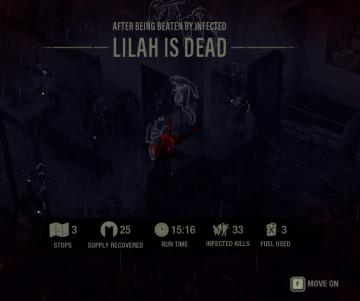
The Last Stand: Aftermath
The user interface (UI) in the picture is designed for a survival or action game, providing essential information and options to the player. Here’s a breakdown...